
Best PDF Tools for Working Pros
 adminJune 17, 2026 · 5 min read

Looking for the best PDF tools to enhance your workflow? You’re in the right place. As someone who’s worked with PDFs extensively, I’ve found that having the right tools can make all the difference in productivity and efficiency. In this article, we’ll explore the top PDF tools for everyday use, editing, conversion, security, collaboration, and more.
Top PDF Tools for Everyday Use
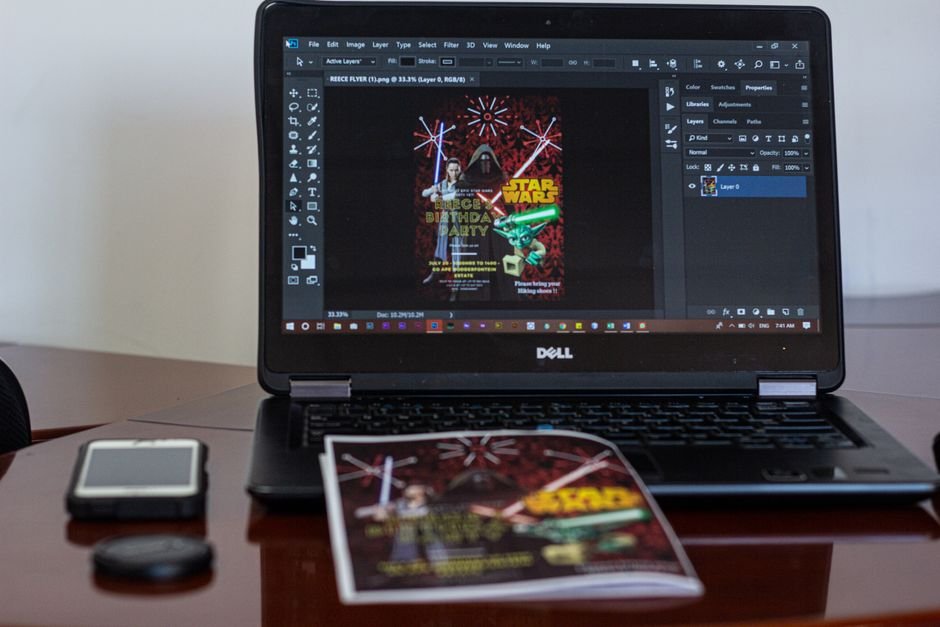
For most working professionals, a good PDF tool should be able to handle basic tasks like viewing, annotating, and converting files. Here are a few top picks:
- Adobe Acrobat: The industry standard for PDF editing and conversion, with many features and a user-friendly interface. ($14.99/month, best at advanced editing, worst at file size optimization)
- SmallPDF: A popular online tool for converting and editing PDFs, with a simple and intuitive design. (Free, best at conversion speed, worst at advanced features)
- PDFelement: A feature-rich PDF editor with many tools and a affordable price tag. ($69.95/year, best at annotation, worst at customer support)
In my experience, Adobe Acrobat is the go-to choice for most professionals, but SmallPDF and PDFelement are great alternatives for those on a budget.
Best PDF Editors for Professionals
on editing PDFs, professionals need a tool that can handle complex tasks like formatting, layout, and design. Here are some top picks:
PDF-XChange Editor is a powerful tool with many features, including OCR, redaction, and annotation. ($43.50, best at advanced editing, worst at user interface)
Acrobat Pro DC is the premium version of Adobe’s PDF editor, with advanced features like batch processing and automated workflows. ($14.99/month, best at automation, worst at cost)
What to Look for in a PDF Editor
When choosing a PDF editor, consider the types of tasks you’ll be performing most often. If you need to edit complex layouts or designs, look for a tool with advanced formatting options. If you need to automate workflows, look for a tool with batch processing capabilities.
PDF Conversion Tools: What You Need to Know
Converting PDFs to other file formats can be a challenge, but the right tool can make all the difference. Here are some top picks:
Online-Convert.com is a free online tool that can convert PDFs to many formats, including Word, Excel, and PowerPoint. (Free, best at conversion options, worst at file size limits)
PDF2GO is a popular online tool that can convert PDFs to editable formats like DOCX and XLSX. ($9.99/month, best at conversion speed, worst at advanced features)
Security and Signing: Essential PDF Features
When working with sensitive documents, security and signing are essential features to consider. Here are some top picks:
DocuSign is a popular e-signature tool that integrates with many PDF editors and viewers. ($10/month, best at security, worst at user interface)
Adobe Sign is a powerful e-signature tool that integrates with Adobe Acrobat and other Adobe apps. ($14.99/month, best at automation, worst at cost)
Collaboration and Sharing: Streamlining PDF Workflows

Collaborating on PDFs can be a challenge, but the right tool can make all the difference. Here are some top picks:
Notion is a popular collaboration tool that integrates with many PDF editors and viewers. ($4/month, best at collaboration, worst at file size limits)
Dropbox is a popular cloud storage tool that integrates with many PDF editors and viewers. ($11.99/month, best at file sharing, worst at collaboration features)
PDF Tools for Specific Industries
Depending on your industry, you may need specialized PDF tools to handle specific tasks or formats. Here are some top picks:
AutoCAD is a popular CAD software that integrates with PDF editors and viewers. ($210/month, best at CAD features, worst at cost)
Adobe InDesign is a popular design software that integrates with PDF editors and viewers. ($20.99/month, best at design features, worst at user interface)
Choosing the Right PDF Tool for Your Needs
With so many PDF tools on the market, choosing the right one can be overwhelming. Here are some tips to consider:
Consider your specific needs and workflows. If you need to edit complex layouts or designs, look for a tool with advanced formatting options. If you need to automate workflows, look for a tool with batch processing capabilities.
Check out reviews and comparisons from other users. Sites like The New York Times and Wikipedia can provide valuable insights and information.
In 2026, the PDF tool market is expected to continue growing, with new tools and features emerging all the time. As of 2025, the market was valued at over $1 billion, with a growth rate of around 18% per year.
Next steps? Try out some of the tools mentioned above and see which one works best for you. Don’t be afraid to experiment and explore different options – and don’t hesitate to reach out if you’ve any questions or need further recommendations.
Frequently Asked Questions
What are the best PDF tools for working professionals?
The best PDF tools for working professionals include Adobe Acrobat, SmallPDF, and PDFelement. These tools offer a range of features, including editing, conversion, and security, and are suitable for a variety of workflows and industries.
What is the best PDF editor for professionals?
The best PDF editor for professionals is Adobe Acrobat Pro DC, which offers advanced features like batch processing and automated workflows. However, other tools like PDF-XChange Editor and Foxit PhantomPDF may also be suitable depending on your specific needs and workflows.
How do I choose the right PDF tool for my needs?
To choose the right PDF tool for your needs, consider your specific workflows and requirements. Look for tools that offer the features you need, and check out reviews and comparisons from other users. Don't be afraid to experiment and try out different options to find the one that works best for you.
What are the best PDF conversion tools?
The best PDF conversion tools include Online-Convert.com, PDF2GO, and SmallPDF. These tools offer a range of conversion options, including Word, Excel, and PowerPoint, and are suitable for a variety of workflows and industries.
How do I secure my PDFs with e-signatures?
To secure your PDFs with e-signatures, use a tool like DocuSign or Adobe Sign. These tools offer a range of features, including encryption and authentication, and are suitable for a variety of workflows and industries.
Related Reading

admin
CodeSala team — building web, mobile & AI software and 200+ free online tools.



Comments
No comments yet — be the first to share your thoughts.
Leave a comment