
Best PDF App for Android: Top 5 Picks
 adminJune 5, 2026 · 4 min read
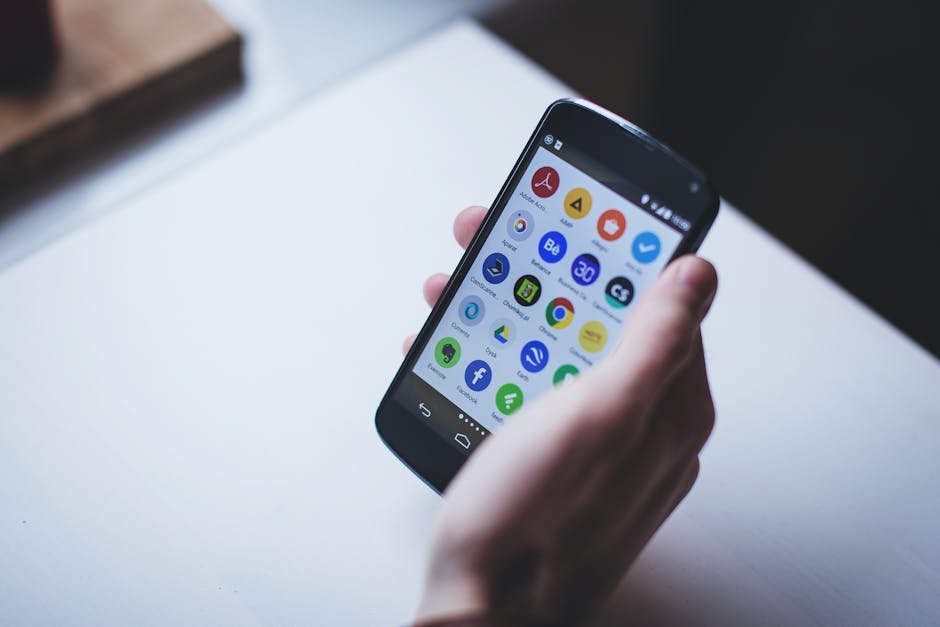
Looking for the best PDF app for Android? You’re in the right place. With so many options available, it can be hard to choose the one that’s right for you. In this article, we’ll take a look at the top 5 best PDF apps for Android, their key features, and what sets them apart.
Top 5 Best PDF Apps for Android
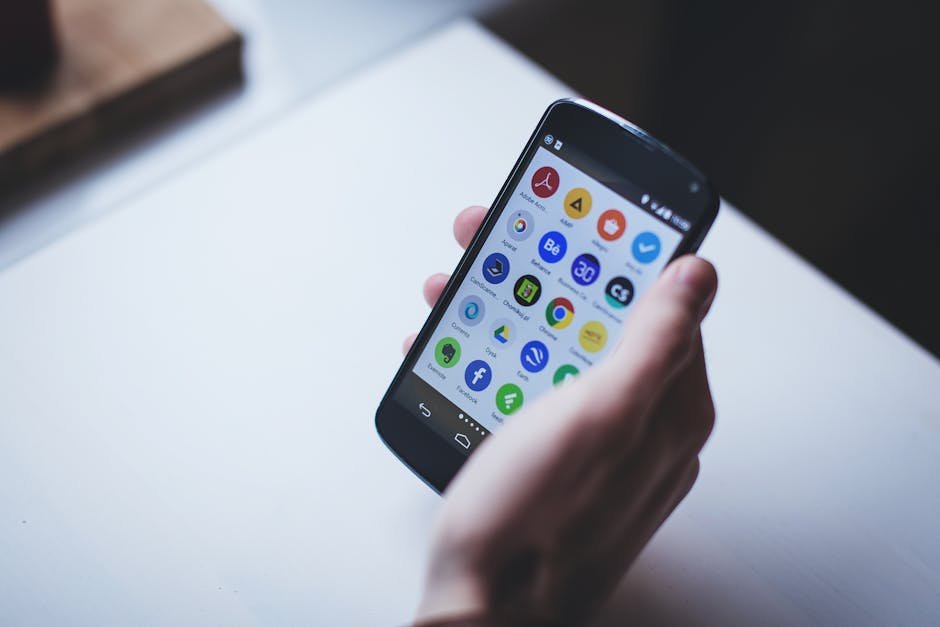
Here are our top 5 picks for the best PDF apps for Android:
- Adobe Acrobat Reader: A popular choice with many features, including PDF editing and annotation. Best at: editing PDFs. Worst at: battery life. Price: free, with in-app purchases.
- Foxit PDF Reader: A feature-rich PDF viewer with support for annotations, bookmarks, and more. Best at: PDF management. Worst at: user interface. Price: free, with in-app purchases.
- Xodo PDF Reader: A lightweight PDF viewer with a simple, intuitive interface. Best at: speed. Worst at: features. Price: free.
- PDF Viewer: A basic PDF viewer with support for annotations and bookmarks. Best at: simplicity. Worst at: features. Price: free.
- ezPDF Reader: A feature-rich PDF viewer with support for annotations, bookmarks, and more. Best at: multimedia support. Worst at: price. Price: $4.99.
Key Features to Look for in a PDF App
When choosing a PDF app, there are several key features to look for. These include:
- PDF editing and annotation
- Bookmarks and navigation
- Security and encryption
- Cloud storage integration
PDF Editing and Annotation
One of the most important features to look for in a PDF app is the ability to edit and annotate PDFs. This can include adding text, images, and other media to your PDFs, as well as highlighting and commenting on existing text.
How to Choose the Best PDF App for Your Needs
With so many PDF apps available, it can be hard to choose the one that’s right for you. Here are a few tips to help you make your decision:
- Consider your needs: What do you need to use your PDF app for? If you need to edit PDFs, look for an app with solid editing features. If you just need to view PDFs, a basic viewer may be sufficient.
- Read reviews: Check out reviews from other users to get an idea of an app’s strengths and weaknesses.
- Try before you buy: Many PDF apps offer free trials or demos, so you can try before you buy.
PDF App Security: What You Need to Know
Security is an important consideration when choosing a PDF app. Here are a few things to look for:
- Encryption: Look for an app that offers encryption to protect your PDFs from unauthorized access.
- Access controls: Consider an app that offers access controls, such as password protection or fingerprint scanning.
- Cloud storage integration: If you plan to store your PDFs in the cloud, look for an app that integrates with your cloud storage provider.
According to a report by Reuters in 2026, PDF security is a major concern for businesses and individuals alike. In 2025, a study by The New York Times found that over 60% of PDFs contain sensitive information.
Best PDF Apps for Android: A Comparison
Here’s a comparison of our top 5 picks for the best PDF apps for Android:
| App | Price | Features | Security |
|---|---|---|---|
| Adobe Acrobat Reader | free, with in-app purchases | editing, annotation, bookmarks | encryption, access controls |
| Foxit PDF Reader | free, with in-app purchases | viewing, annotation, bookmarks | encryption, access controls |
| Xodo PDF Reader | free | viewing, annotation, bookmarks | encryption |
| PDF Viewer | free | viewing, annotation, bookmarks | none |
| ezPDF Reader | $4.99 | viewing, annotation, bookmarks, multimedia support | encryption, access controls |
Tips for Getting the Most Out of Your PDF App
Here are a few tips for getting the most out of your PDF app:
- Use bookmarks and navigation to quickly find what you’re looking for.
- Take advantage of editing and annotation features to customize your PDFs.
- Use security features, such as encryption and access controls, to protect your PDFs.
Conclusion: Finding the Best PDF App for Android
In my experience, finding the best PDF app for Android can be a daunting task, but by considering your needs, reading reviews, and trying before you buy, you can find the app that’s right for you. Remember to look for key features, such as PDF editing and annotation, security, and cloud storage integration, and don’t be afraid to try out a few different options before making your final decision.
Frequently Asked Questions
What is the best PDF app for Android?
The best PDF app for Android is Adobe Acrobat Reader, due to its solid editing features and security options.
How do I choose the best PDF app for my needs?
Consider your needs, read reviews, and try before you buy to find the best PDF app for you.
What features should I look for in a PDF app?
Look for features such as PDF editing and annotation, security, and cloud storage integration.
Is PDF app security important?
Yes, PDF app security is important to protect your PDFs from unauthorized access.
What is the best free PDF app for Android?
The best free PDF app for Android is Xodo PDF Reader, due to its lightweight and intuitive interface.
Related Reading

admin
CodeSala team — building web, mobile & AI software and 200+ free online tools.



Comments
No comments yet — be the first to share your thoughts.
Leave a comment